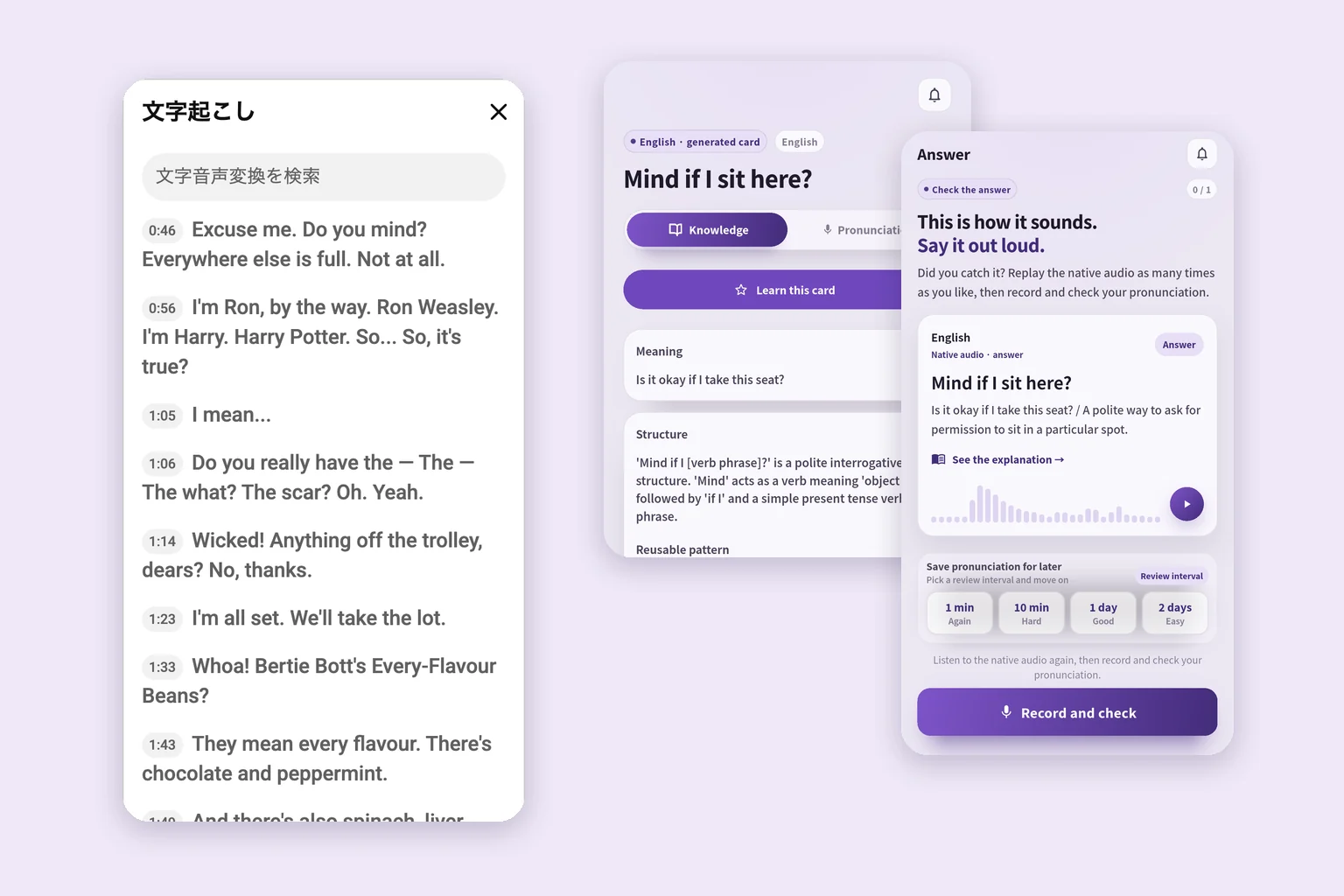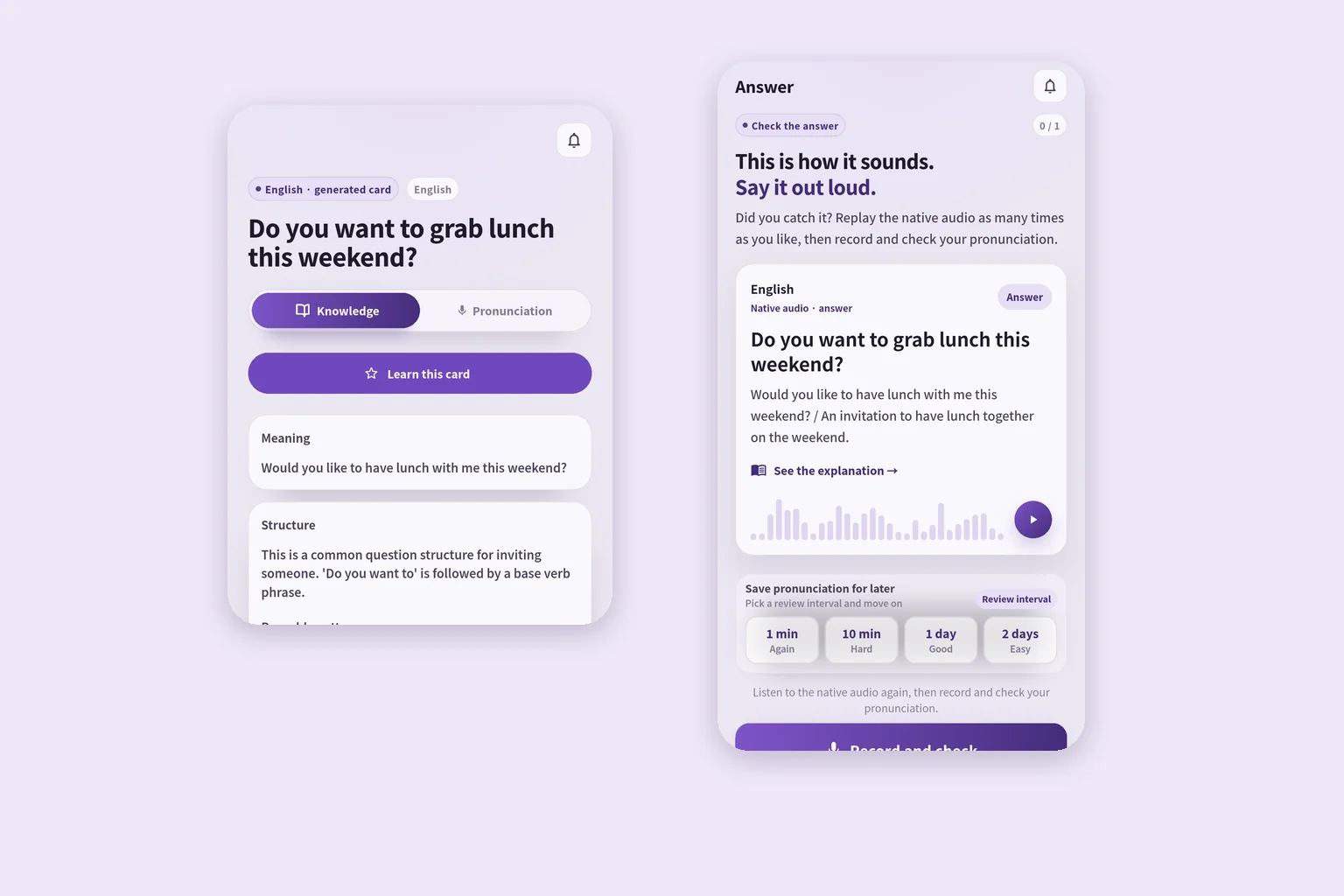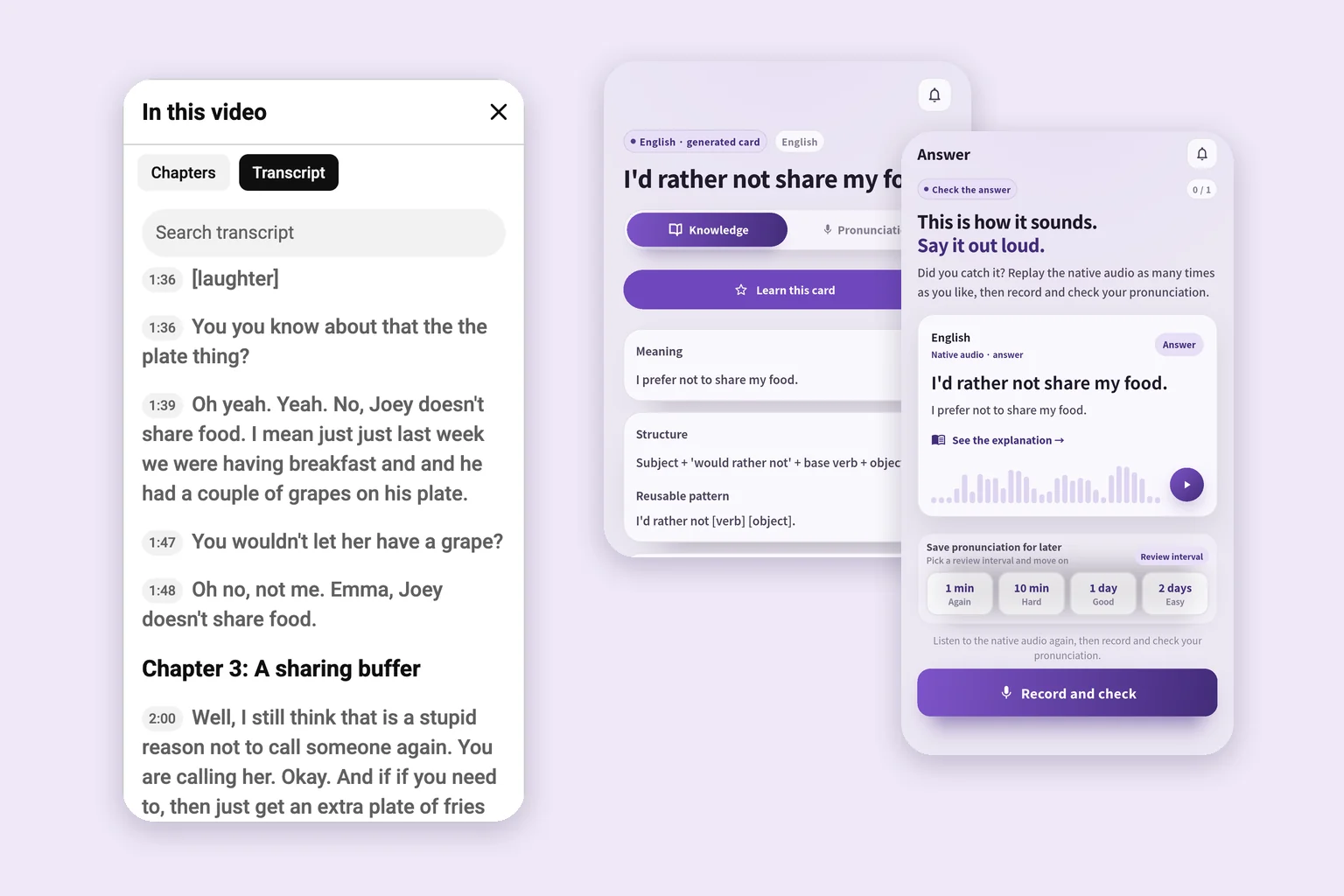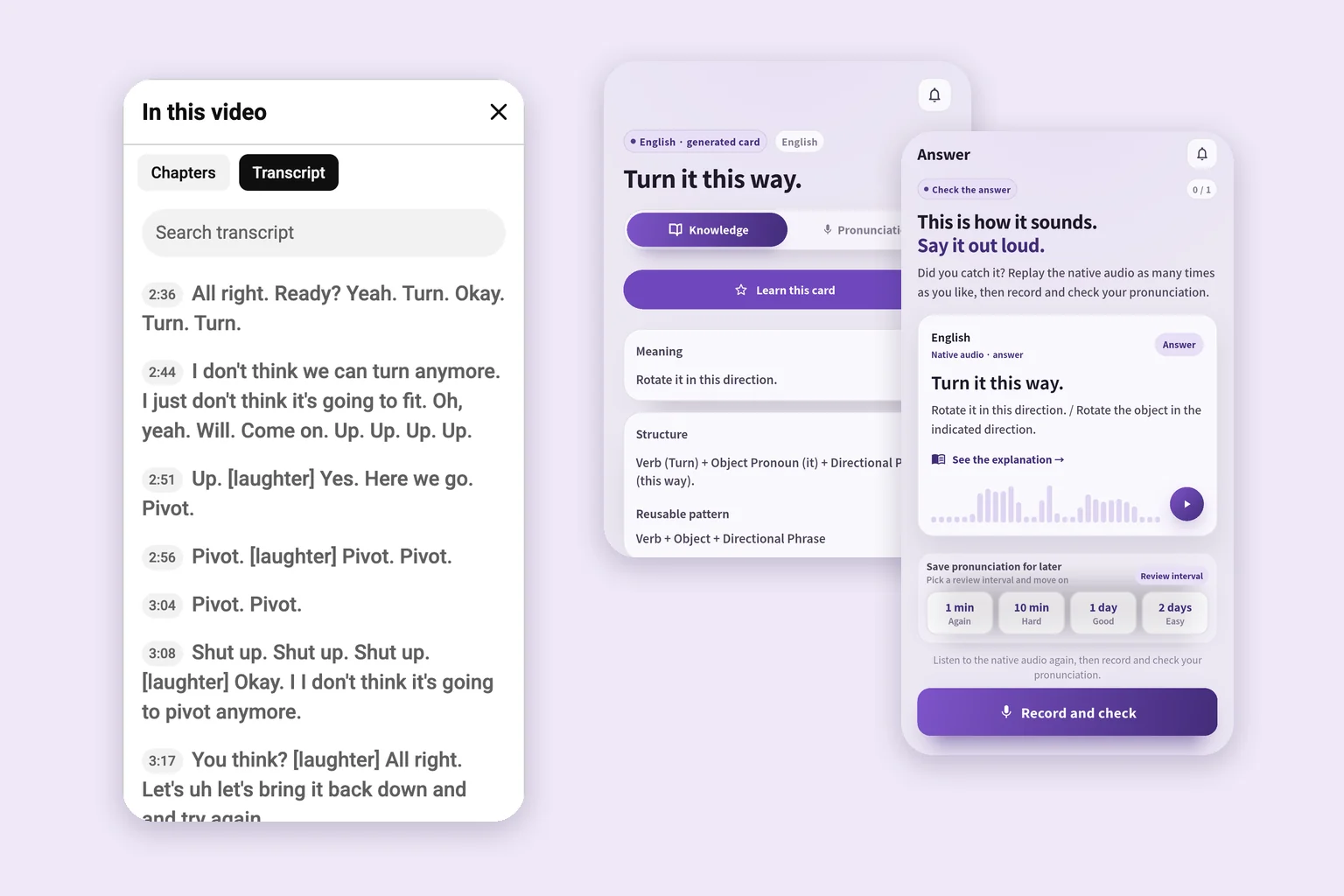
How to use Language Reactor: subtitles, saved phrases and review
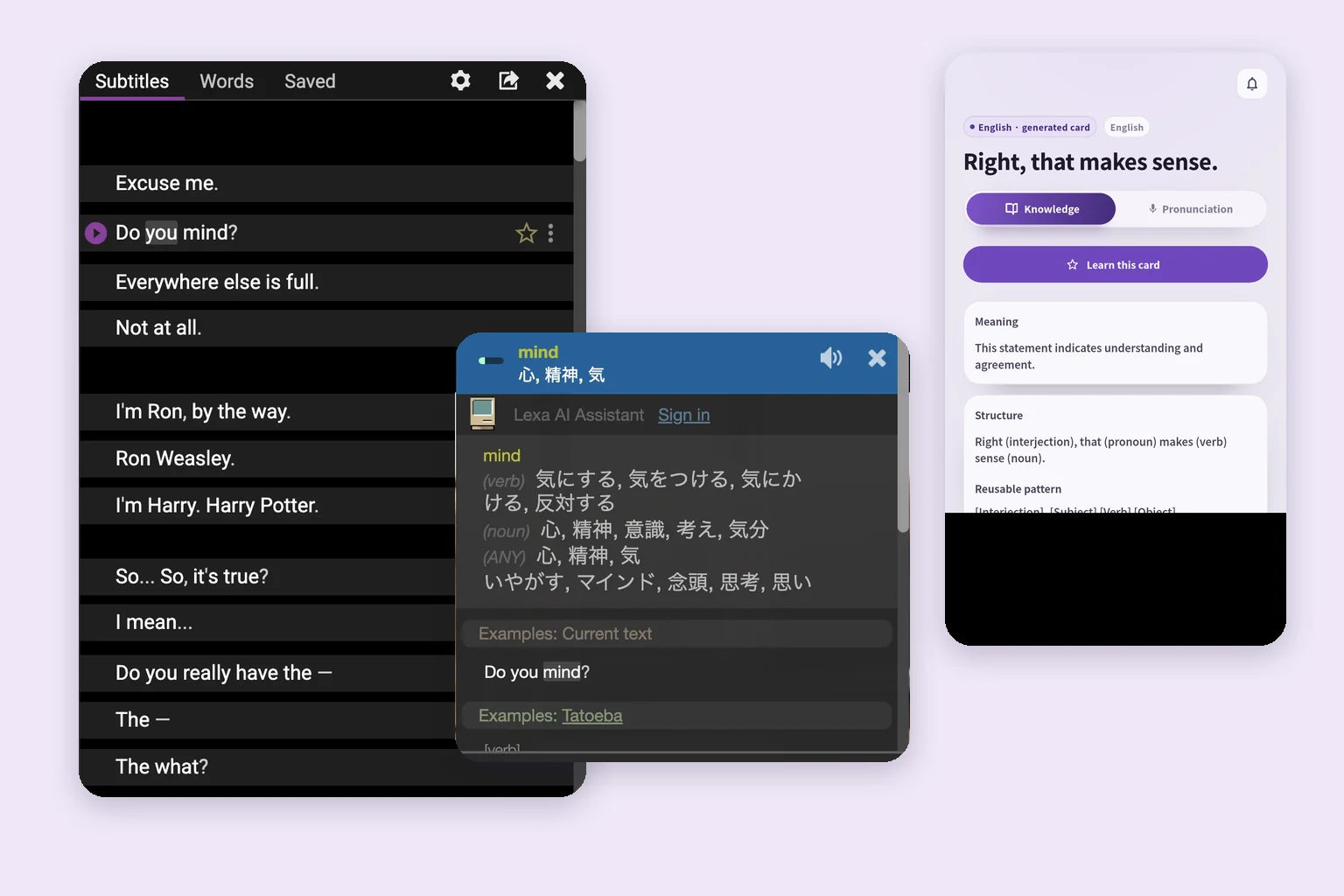
Set up Language Reactor in desktop Chrome, use bilingual subtitles and the dictionary, understand Free versus Pro, and turn one useful sentence into speaking practice.

Practical ways to remember and speak the English you find in films, videos, games, and books.
Set up Language Reactor in desktop Chrome, use bilingual subtitles and the dictionary, understand Free versus Pro, and turn one useful sentence into speaking practice.
Use four official film clips and matching book chapters to practise English. Choose an edition, read a familiar scene, say a useful sentence, and review it.
Compare ten series by conversation type, pace, vocabulary, episode length, captions, and official clips. Test a one-minute scene before choosing.
Sixteen famous lines from the TV show Friends, with speakers, episodes, context, and natural English alternatives.
Learn English with the TV show Friends using one official clip: choose a scene, check captions, speak one line, and review it.
Choose Steam games for vocabulary, reading or listening. Compare six verified picks, a free game and a demo, then check English audio and subtitles before buying.
Mark a page as you read, move just one to three useful sentences into notes, then say them aloud and revisit them later. Includes paper, library, and Kindle options.
Choose a first English book you can actually finish. Compare three graded readers recommended for teenagers, sample a page, and build a manageable reading habit.
Check a game's English interface, audio and subtitles on Steam; change that game's language; save dialogue with F12; and review a few useful lines.
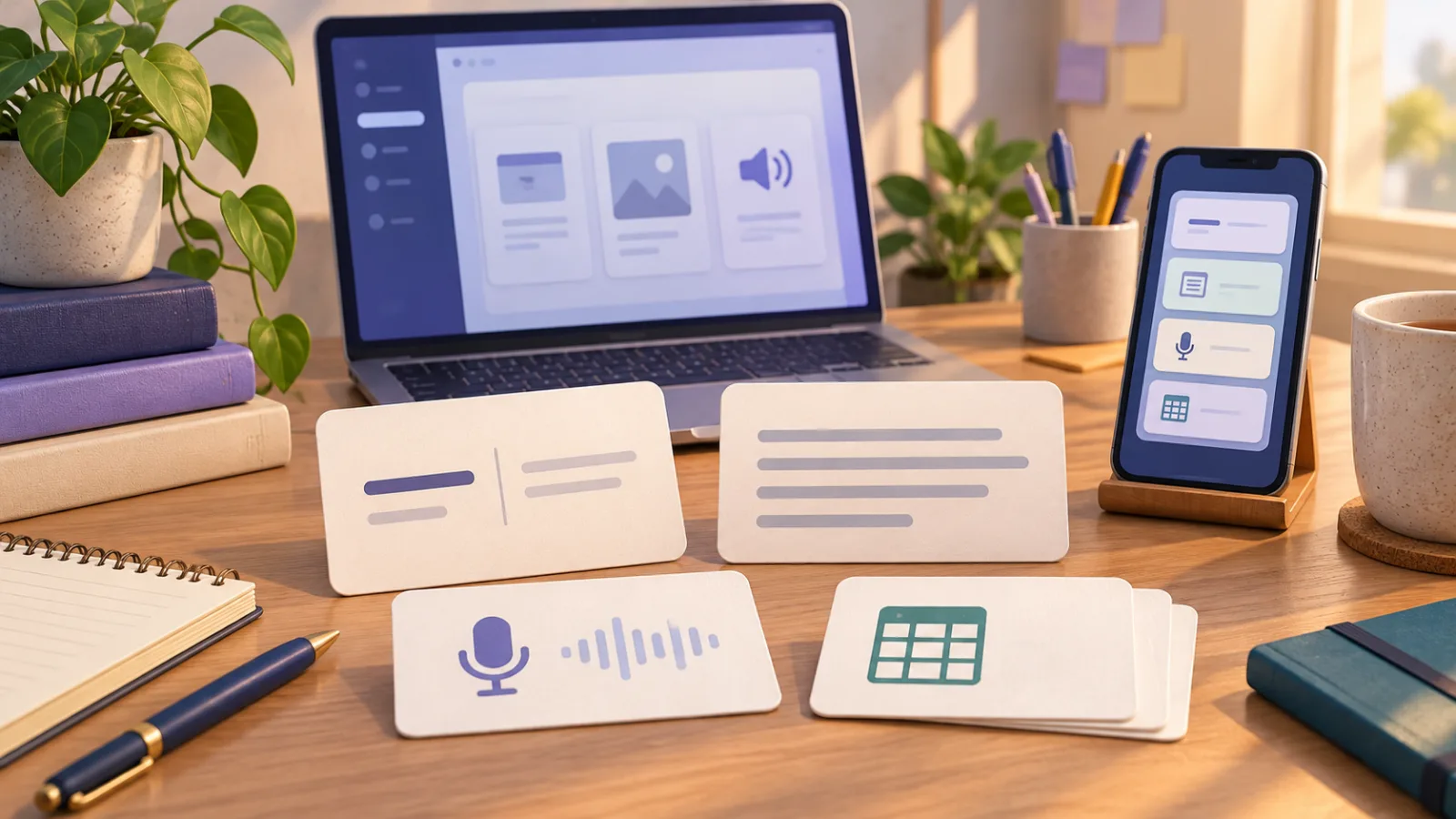
Hear six of SpeakGain’s 15 voices and see how your own phrases become cards for listening, speaking, and review.
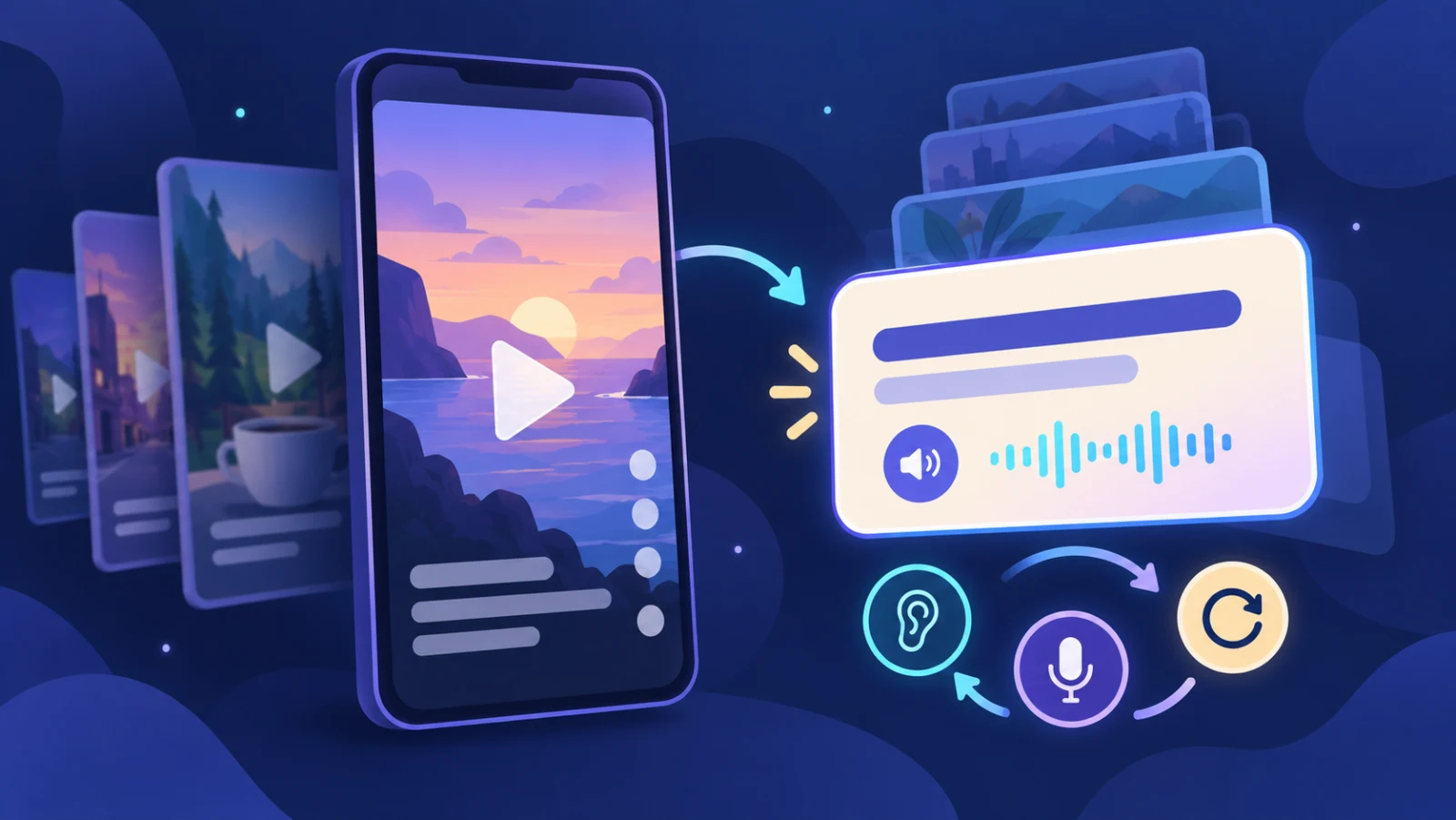
Turn one short TikTok into a useful English study session with a stopping rule, caption check, one phrase, speaking practice, and later recall.
Diagnose whether meaning, sound mapping, or the scene itself is blocking you, then practise one 20–40 second clip without endless rewinding.
Compare parallel-text books, separate translations, and graded readers, then use a four-step reading loop that brings you back to the English.
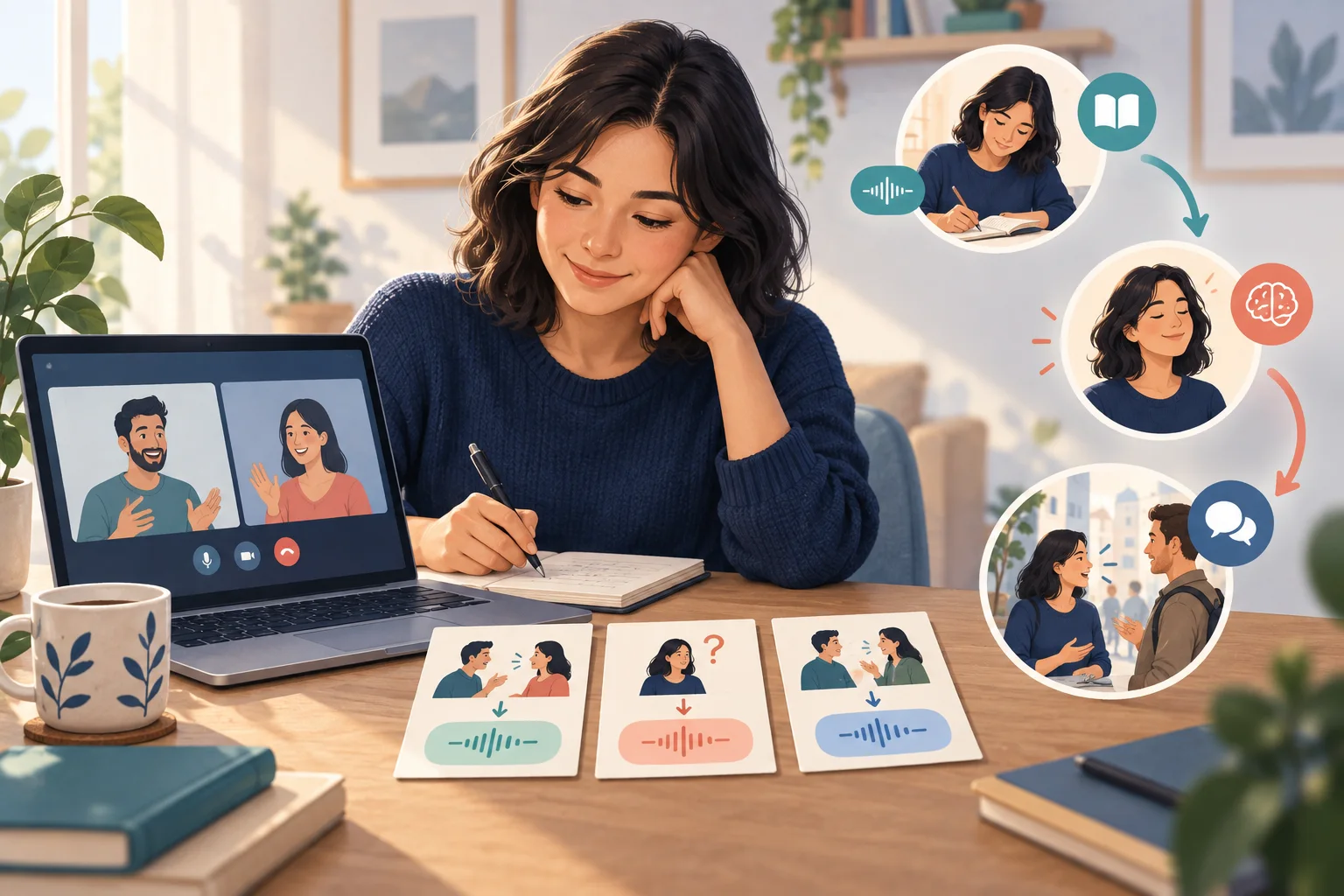
Choose three phrases you could not say, retrieve them without looking, check the audio, and use one in your next online English lesson.
Know what you want to say but freeze in English? Learn what to do in the conversation and how to turn one missed sentence into useful speaking practice.
Compare Anki, WordHolic, Quizlet, Brainscape, and SpeakGain for your own English flashcards: free limits, paid features, audio, review, import, and export.
Choose a suitable film and subtitles, mark only useful short lines, then check meaning and sound, speak, and recall them later.
Choose useful YouTube videos, use captions and transcripts selectively, and turn a few phrases into speaking and spaced recall practice.
Learn which English sentences are worth memorizing, how to break them into reusable patterns, and how to practise recall, speaking, and spaced review.
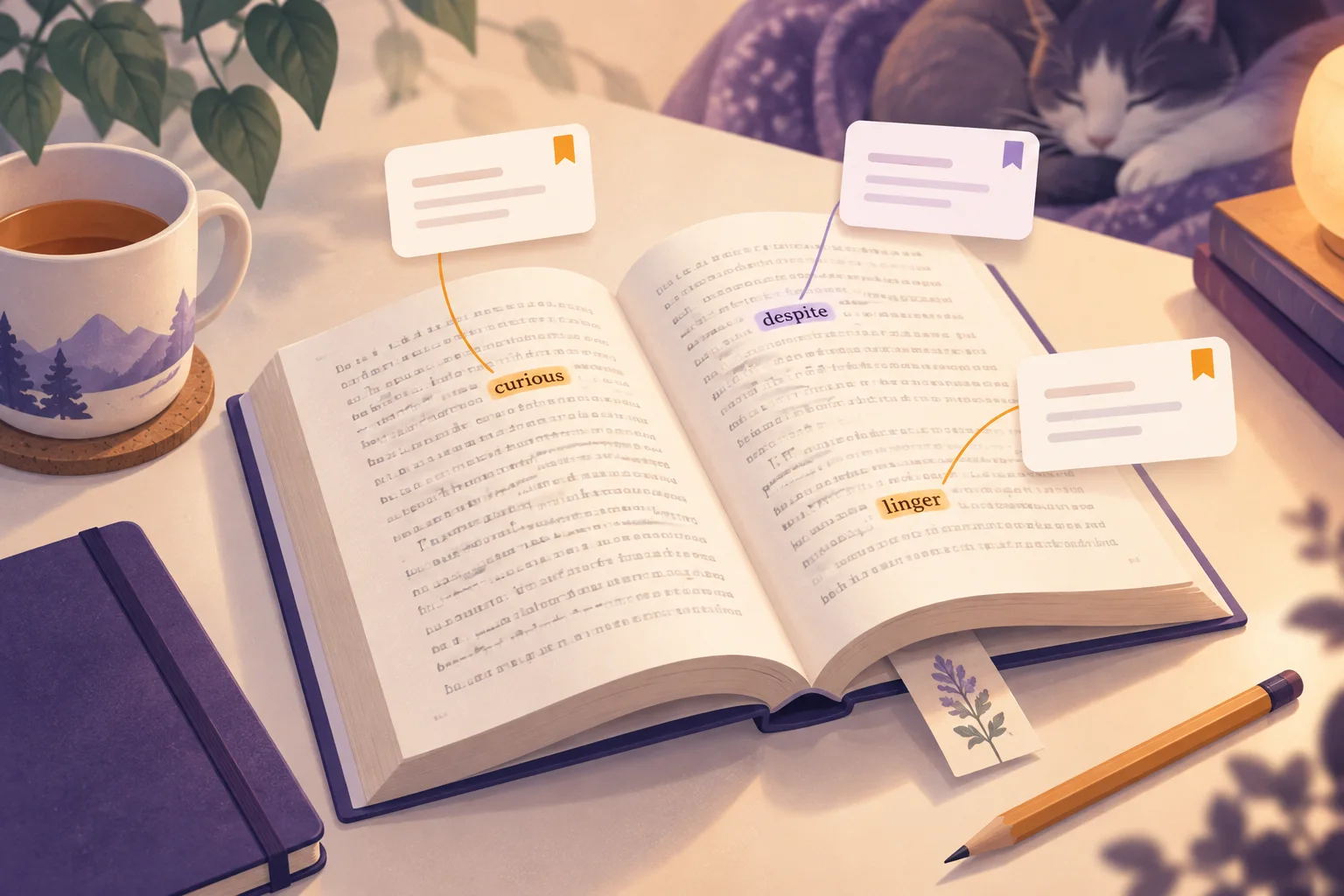
Looking up words while reading English books? Check words that block the story, mark useful ones for later, and skip the rest. See a six-word example.