
ChatGPT for learning English: voice practice, prompts and useful corrections
Published
To practise English conversation with ChatGPT, open Voice and specify the scene, its role, your level and when you want corrections. Talk for about ten minutes, then choose three things you could not say, check the suggested wording and say them again aloud. Use it as a conversation and rephrasing partner rather than a reliable pronunciation examiner.
What to ask for, and what to check yourself
Role-play gives you a way to rehearse before meeting someone. However, an AI-generated reply does not establish that a real person would understand your pronunciation or find your wording suitable.
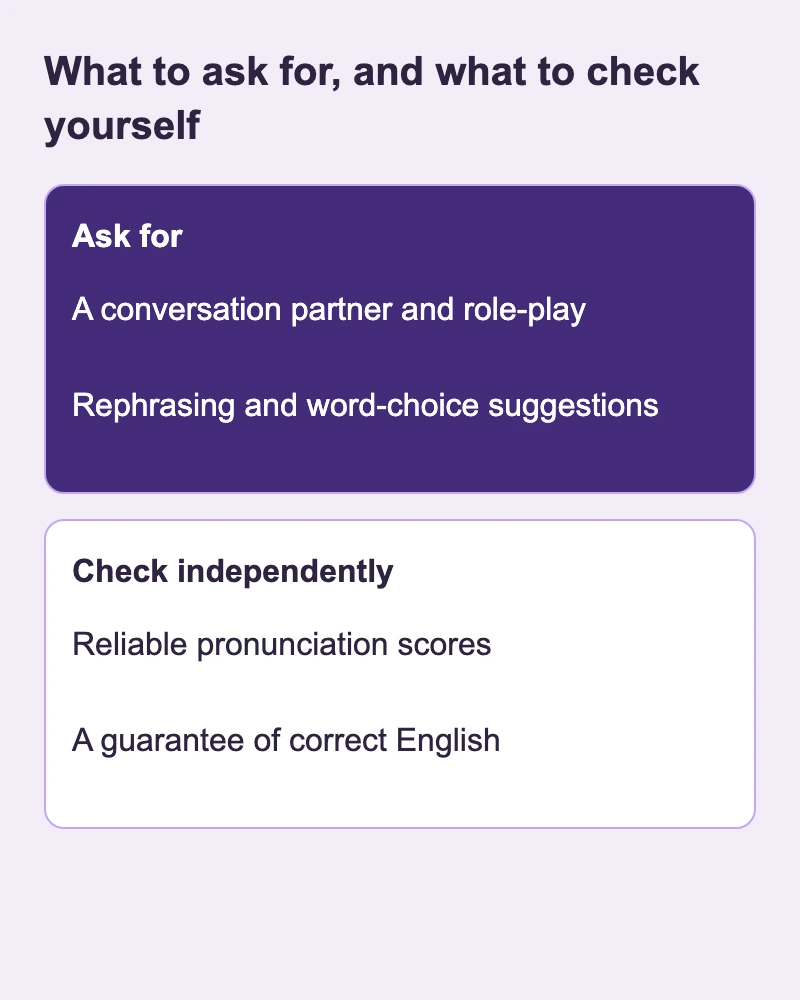
| Ask for | Check independently |
|---|---|
| A conversation partner and role-play | Reliable pronunciation scores |
| Rephrasing and word-choice suggestions | A guarantee of correct English |
Start a voice conversation
On iPhone or Android, select the Voice icon in the message bar, allow microphone access if prompted and choose a voice on first use. Begin speaking once Voice opens. On the web, select Voice in the prompt window and allow your browser to use the microphone. Dictating a single message is different from having a spoken conversation. Voice: starting, allowances and devices.
Free includes limited Voice access. Paid plans have their own allowances and conditions; a free ten-minute session is not guaranteed. Try a short session first and check the official allowance and pricing if you need more. Available voice options depend on your region, app version, account and workspace settings. Voice: starting, allowances and devices.
Review model-improvement and audio-sharing options in Settings and Data controls. Turning off model improvement does not necessarily remove chat history. While a chat remains temporary, it stays out of history and is not used for model improvement, but may be kept for up to 30 days for safety. Practise with invented names and booking details, avoiding confidential workplace information. Data controls · Temporary chat.
This guide is for adults. OpenAI’s age guidance excludes children under 13 and requires parental consent for ages 13–18. Check the terms applicable where you live. Age requirements.
Prompts for three different goals
Start with booking a birdwatching walk while visiting another town. The prompt below defines a receptionist, simple language, one question at a time and one correction after you finish. If you do not know your level, describe what you need: short sentences and familiar vocabulary. Set your own ten-minute timer.
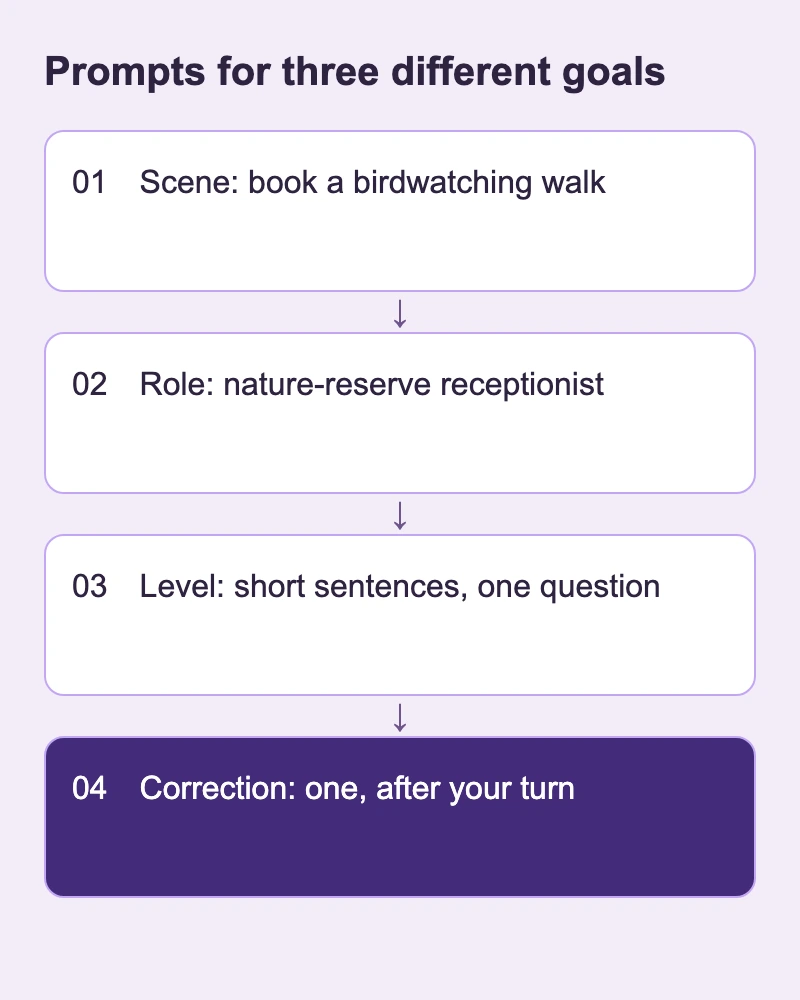
Role-play: booking a guided walk
You are the receptionist at a nature reserve. I want to book a beginner birdwatching walk. Use short, everyday English and ask one question at a time. Wait until I finish my turn, then correct just one thing and continue the role-play. Start by asking which day I can come.
Letting the receptionist ask first gives you a specific opening. Answer about dates or experience, even if you can manage only one sentence.
Interview: a museum volunteer position
Interview me for a volunteer role welcoming visitors at a museum. Ask about helping a visitor who cannot find an exhibit. Ask one question at a time. Give feedback on my English only after three answers.
Keep real application details private. Review the substance of your answer separately from its English.
Small talk: another birdwatching walk participant
We are waiting for our first birdwatching walk. Have a friendly chat about which birds we hope to see. Ask a follow-up question about my answer, and leave room for me to ask you something.
Practise answering and asking back. The goal is a two-way exchange, not a long monologue.
Adjust the difficulty
Use shorter sentences and familiar words. If I answer comfortably, ask me to explain my reason. Keep asking one question at a time.
Request shorter replies when overwhelmed; ask for follow-up questions when you want more challenge.
Get corrections without losing your turn
Stopping after every sentence can make you forget your point. Start with one correction after your turn, repeat the repaired part and continue. On days when you want to tell a longer story, move corrections to the end.
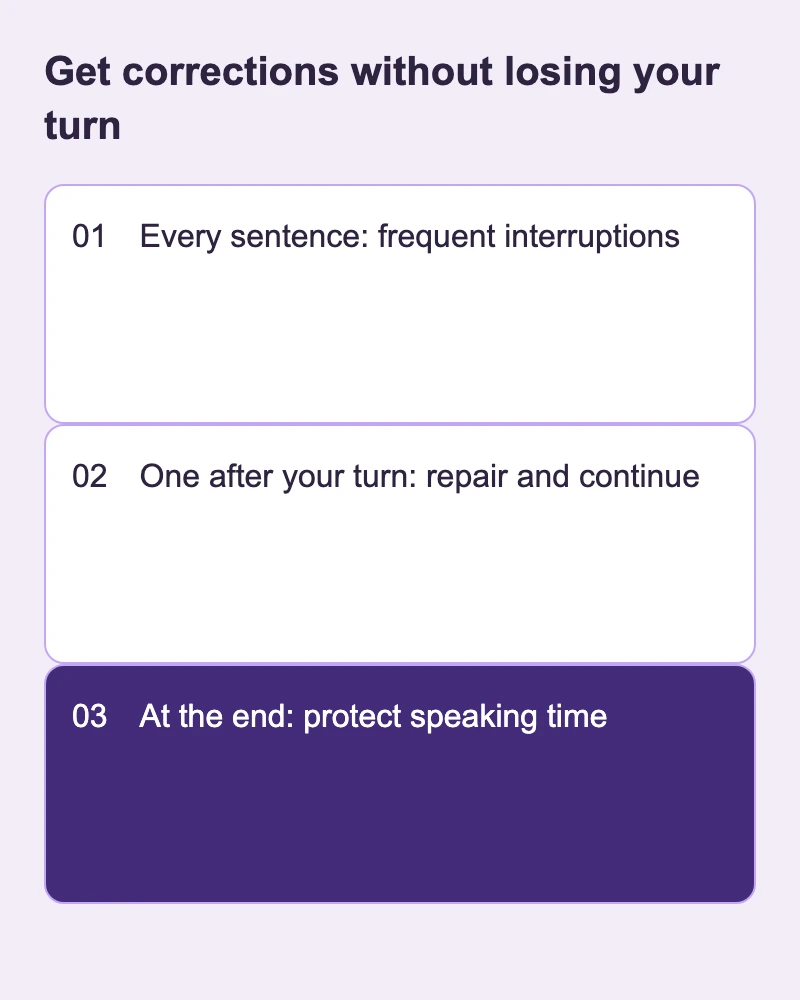
Please wait until I finish, then suggest one clearer sentence without changing my meaning.
Please save corrections until the end. For now, only interrupt if you cannot understand my meaning.
If feedback is excessive, limit it to problems that obscure meaning. If there is too little, select one of your own sentences afterward and request a natural alternative with the same meaning and a reason for the change. You do not have to accept every suggestion.
Check the English before you learn it
ChatGPT can sound confident while being wrong. Look up unfamiliar words or unexpected combinations in a learner’s dictionary and compare meaning, usage and context. For a reservation, inspect booking and check how move can describe a change of date. If you cannot verify a phrase, request two simpler alternatives and compare them; ask a teacher before keeping a doubtful one. Accuracy guidance · Learner’s dictionary: booking.
More formal is not always more natural. Addressing a receptionist and chatting with another participant call for different levels of distance. Check that a correction preserves your meaning. A correct transcript alone is not proof of accurate pronunciation.
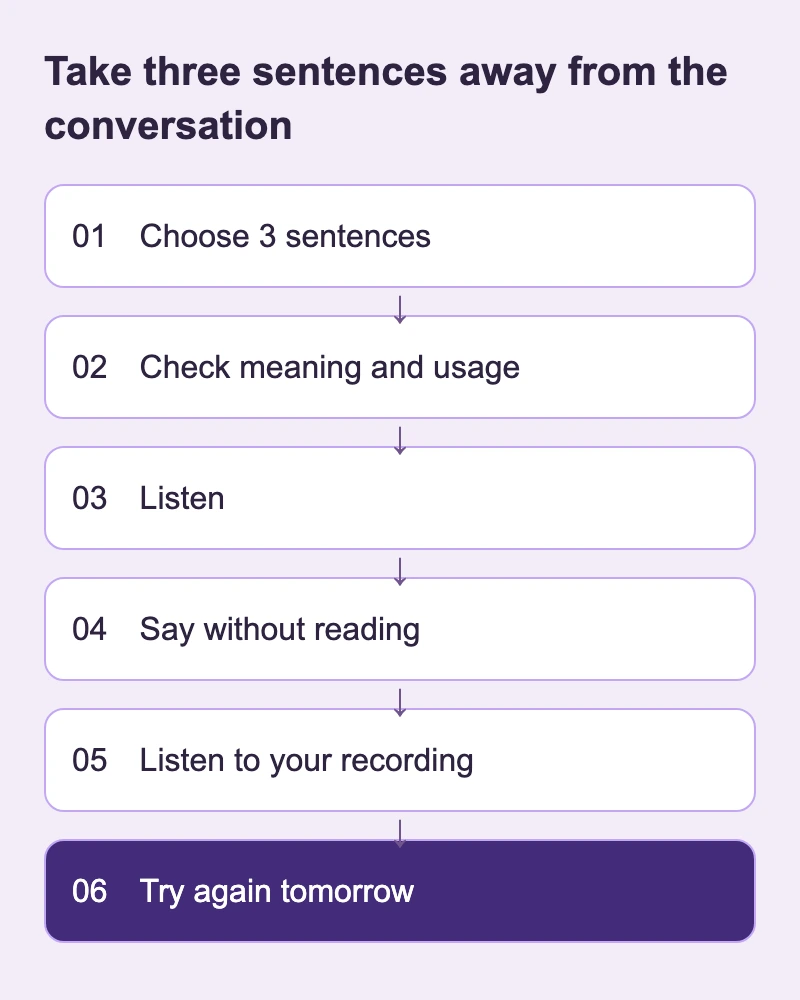
Take three sentences away from the conversation
Before ending, use the request below. Choose sentences you still struggle to say and might need soon. Collecting dozens of things you can already say adds little. These practice lines belong to an imagined birdwatching exchange.
At the end, choose three things I struggled to say. Show what I meant and one short English sentence for each. Ask me to try saying each sentence again.
1
Is there a beginner birdwatching walk this weekend?
Ask whether a walk is suitable for a beginner.
2
I have never used binoculars before.
Explain that you have no experience using binoculars.
3
Could we meet near the north entrance?
Suggest meeting near the north entrance.
If you get stuck asking about the meeting place tomorrow, begin with the north-entrance question rather than another full role-play. After the conversation, enter the three checked sentences yourself in our app SpeakGain; you can then pick the booking, equipment or meeting-place line that held you up.
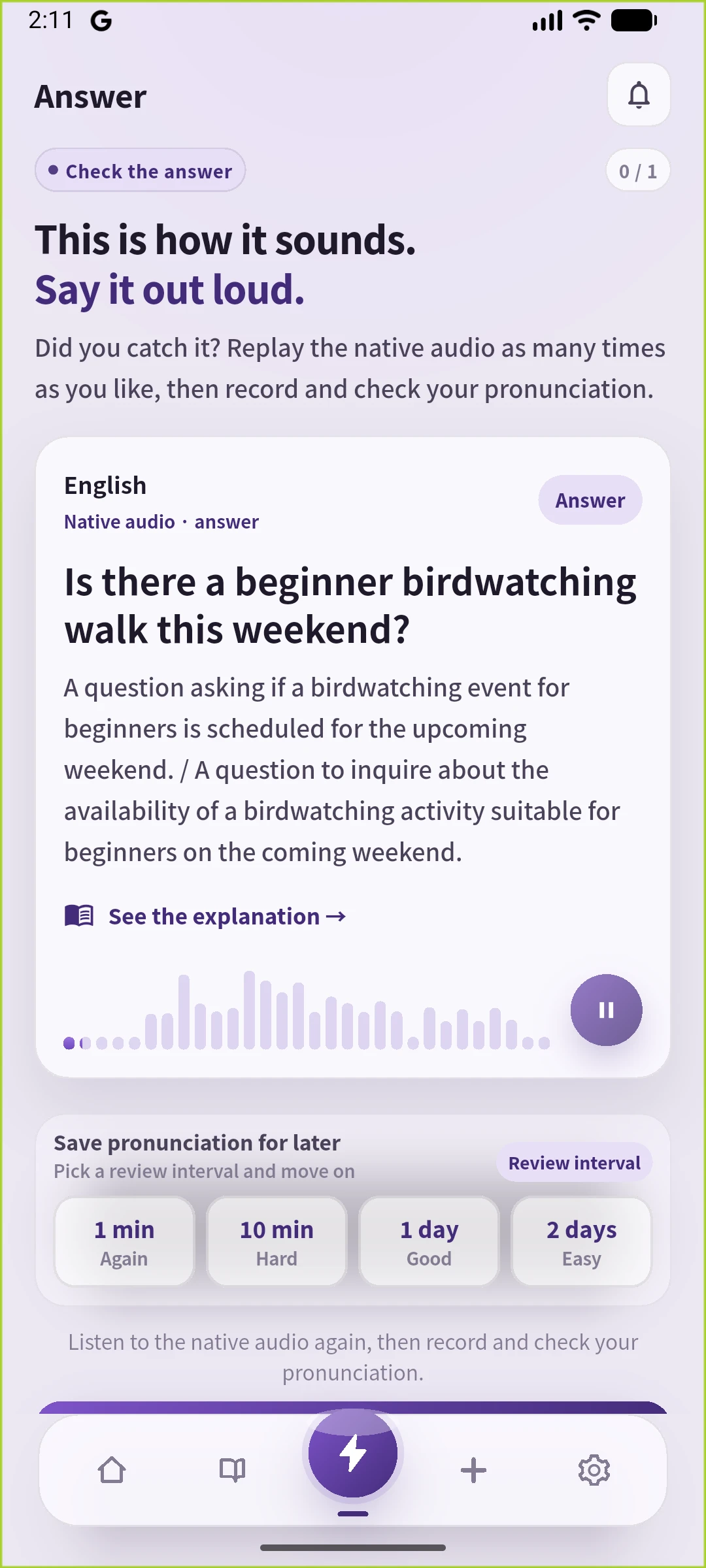
On the third recording, listen to how “near the north entrance” runs together, then look away and ask where to meet. If you stop halfway, listen back to your own recording of that part and try again. When FSRS brings this sentence back for review, test whether you can ask about the meeting place before revealing the answer.
A week of short practice sessions
-
Day 1: ask about availability and choose three sentences.
-
Day 2: say those lines without reading, then book a different time.
-
Day 3: ask about experience and equipment.
-
Day 4: agree on a meeting entrance.
-
Day 5: chat with the person next to you on the walk.
-
Day 6: describe your experience in a museum volunteer interview.
-
Day 7: make the booking without a script and keep one remaining sticking point.
Before adding more prompts, check whether you could reuse yesterday’s sentences.
Questions before you begin
Is the free plan enough?
Start briefly and see whether you reach a limit. Free has an allowance, so do not assume a fixed amount of daily speaking time.
How does this compare with a teacher?
Use it to rehearse starting a conversation. A teacher can help assess context and how your speech comes across.
Can it fix my pronunciation?
Asking how to say a word differs from receiving a dependable diagnosis. Compare a model recording with your own and consult a teacher when needed.
Can I use my first language?
Yes: explain the missing meaning in your first language, request a short English version, then return to English on your next turn.
Should I share personal details?
Use fictional names and plans. Privacy settings are no reason to enter confidential information.
Our recommendation and sources
Choose one scene and a manageable amount of feedback. Finish by keeping three checked sentences and using them in the next conversation, so the session leaves you with something you can actually say again.
Official information checked on 26 October 2026. Availability, settings and prices can change; check the linked pages when you use the service.